GPT-6 Astra Evaluation: Five Tasks and a Scoring Sheet
Build an AI agent evaluation with five tasks, acceptance checks, repeated runs, and review costs. Assess GPT-6 Astra claims without treating demos as proof.
By Hardeep · · Updated
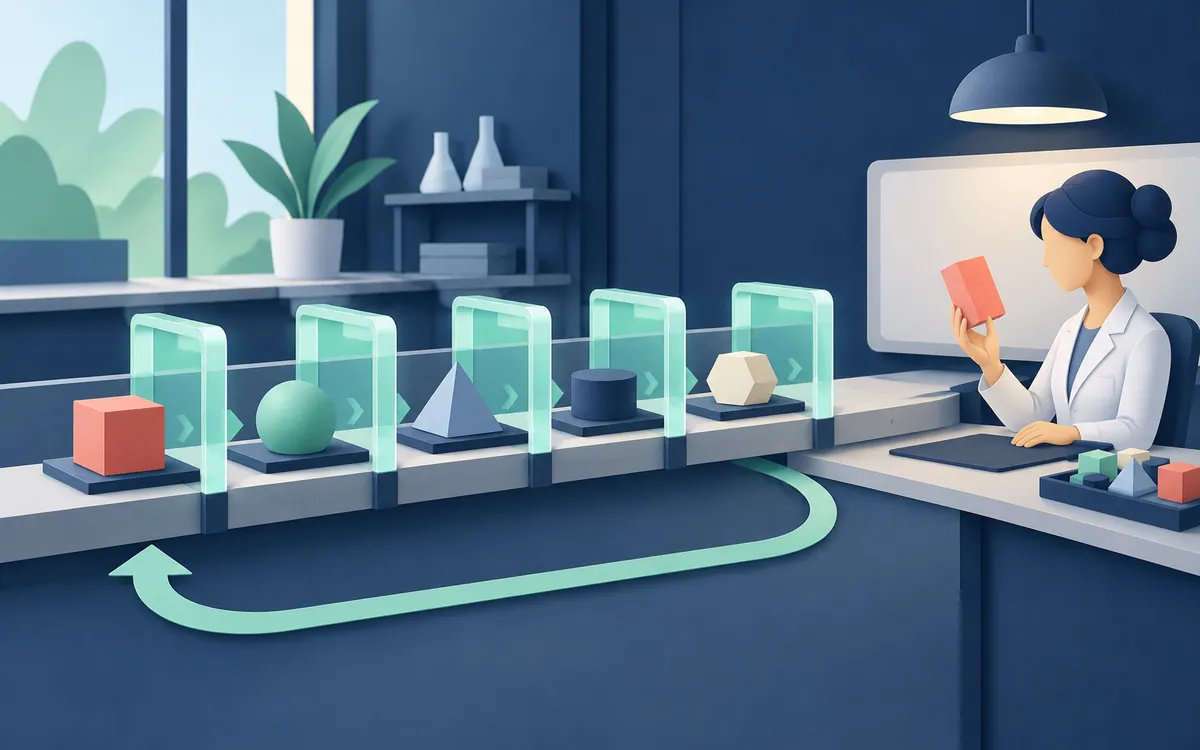
AI agent evaluation should begin with a result you can inspect: a correct document, a working feature, or an intact set of organized files. Record what the agent completed, what a reviewer repaired, and which actions required permission.
Five tasks that expose different failure modes
Choose examples from work you understand well enough to judge. Keep copies of the starting files, record the model and application versions, and write the expected result before running the task. These are proposed exercises, not measured benchmark results.
| Task | Input | Evidence of completion |
|---|---|---|
| Basic video edit | A short clip and exact cut times | The exported file has the requested cuts, resolution, and usable audio |
| Editing with an extension | A disposable project and a named extension | The operation completes in the specified tool and survives reopening |
| Document utility | Small test files and a list of merge or split operations | Downloaded files open and contain the expected pages |
| Browser feature | A small repository and written user journey | The core action works with normal, empty, and invalid inputs |
| Media organization | A copy of a folder and explicit naming rules | Every input is accounted for, with no unintended deletion or overwriting |
The tasks are deliberately different. Editing a timeline tests tool operation; organizing files tests completeness; building an interface tests whether visible controls perform useful work. A single average would hide those differences.
Write acceptance criteria a second person can use
For the document utility, "make a polished app" says little about success. A better requirement is: merge two supplied PDFs in the selected order, keep the original files unchanged, and return a download that opens in a separate viewer. Add a case with an unsupported file and decide what error the user should see.
For media organization, compare a file inventory before and after the run. Track each file by a hash when its contents must stay unchanged. A folder that looks tidy can still be missing an asset.
Task:
Starting files and versions:
Allowed changes:
Files to preserve:
Acceptance criteria:
Time and spending limit:
Checks to run:
When to stop and ask:
Final artifacts to return:
A permission boundary should describe the job. For a local draft, access to an unrelated email account adds no value. Keep publication, payment, and destructive operations outside an early evaluation unless the test specifically needs them and you have authorized them.
Use a scorecard without hiding a failed requirement
Mark each required outcome pass or fail first. Then record quality, elapsed time, usage charges, and reviewer minutes. If a file tool cannot produce the requested file, attractive styling cannot turn that failure into a pass.
| Field | What to record |
|---|---|
| Correctness | Which acceptance checks passed, with output files or logs |
| Completeness | Required items delivered and items missing |
| Intervention | Clarifications, manual repairs, retries, and approvals |
| Time | Elapsed time plus active review and correction time |
| Cost | Model usage, tools, and the review cost you choose to assign |
| Recovery | Whether the original state can be restored |
For a fictional example, suppose a task takes 12 minutes to generate and another 18 minutes to inspect and repair. Record 30 minutes of elapsed work if those steps ran sequentially. Do not report only the 12-minute generation as the time needed to finish.
Repeat under the same conditions
Reset the starting state between runs. Keep input files, tools, instructions, and the stopping rule fixed. If the model needs a correction, count it; do not quietly improve the prompt for one candidate while leaving the other with the original.
Several runs can reveal obvious inconsistency, but three successes do not establish a reliable production success rate. Include harder cases and failures that matter to your work. A large file, an interrupted export, or an existing destination filename may reveal a problem the happy path misses.
Reading the Astra video critically
Vaibhav Sisinty's September 25 video, Did Open AI Build AGI? First look!, discusses computer use (02:29), connected work (06:24), and the AGI question (11:34). The user-dropoff example is attributed to GPT-5.6 Sol at about 07:11, not Astra. The creator describes continuous background work as a future direction and stops short of calling Astra AGI.
OpenAI's Astra announcement reports 72.6% versus 65.7% for GPT-5.6 Sol on OSWorld 2.0 v2026.08.08, using its offline set and partial scoring. Those vendor results describe a particular setup. They do not establish the outcome for your application or prove general intelligence.
Use the video to identify work worth testing. Keep a claim ledger with the timestamp, source, test conditions, and the result you would need to reproduce. The exercises on this page are proposed evaluations; no independent product test is claimed.
Decide which work to delegate
Start with the task that passes your checks consistently and is easy to recover. Retain the failed cases as regression examples. If a tool changes or the model is updated, rerun those cases before expanding access.
The result you need is a clear statement such as "this setup completes our document merge task with these limits." That is more useful than a universal score for whether AI can replace a profession.
Related reading
Send a correction with this article’s link and a supporting source.