Free AI Tools: Check Licenses, API Fees, and Local Costs
Review an AI software license alongside model terms, API fees, and asset permissions. Use ten checks to compare the full cost of a free tool.
By Hardeep · · Updated
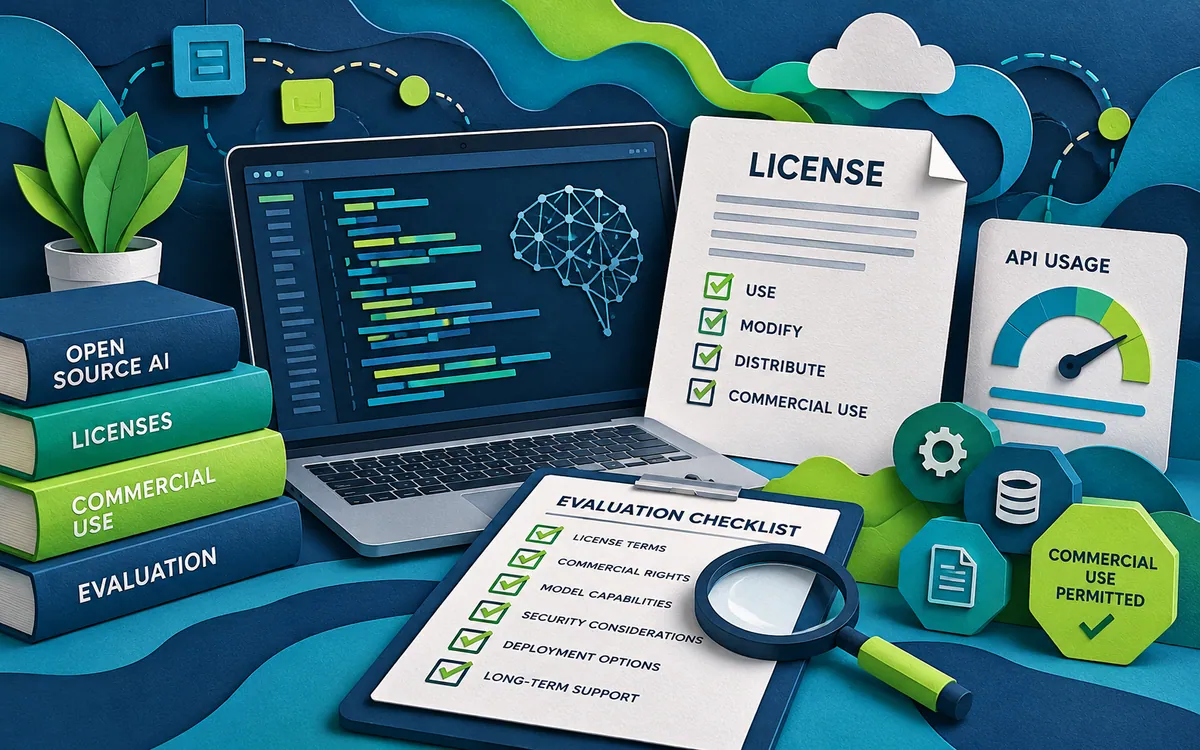
An AI software license covers one part of a workflow. The model, hosted API, fonts, footage, and generated output may have separate terms. Record each dependency before deciding that a free application will replace a paid service.
1. Identify the exact application and release
Record the official repository or vendor page, release version, and download source. Similar names can refer to unrelated projects. A video description or search result is a starting point; it is not enough to establish which program you are installing.
2. Read the application license
Find the license text for that release. Save its name and URL, and note whether your intended activity includes modifying, distributing, hosting, or selling access. The Open Source Initiative's definition includes conditions beyond making source code visible. A repository with readable code and restrictions on fields of use should not automatically be described as unrestricted open source.
3. Check the model terms separately
A permissively licensed interface can load a model with different terms. Record the exact checkpoint or provider model identifier and its own license. Do this again if you switch models. A commercial client workflow deserves a clear answer about permitted use, not an assumption based on the application's download button.
4. List the external providers
Look for image, speech, language-model, storage, and search APIs. Give each a row in your cost sheet, including optional fallback providers. A local window does not establish local processing. Check which provider is selected for each operation and where its logs are stored.
5. Read the free allowance as a limit
Separate a trial balance from a recurring free allowance. Record expiry, request limits, export restrictions, and what happens after the allowance ends. Set a spending limit where supported. Verify whether reaching it stops requests or only sends a notification.
6. Include setup and maintenance
For a local tool, record the storage, hardware, setup time, and update work it requires. For a hosted tool, count migration and configuration time. Use your own measured inputs. A published minimum hardware specification does not tell you how quickly your particular project will finish.
7. Keep an asset permission record
List the photographs, footage, music, fonts, and voices used in the project. Their permissions are separate from the application license. Record the source, permitted use, required credit, and any relevant restrictions. If rights are unclear, replace the asset or obtain clarification before publishing it.
8. Test the export you actually need
Complete one small job and open the export in a separate application. Check resolution, file format, watermarking, editable source files, and any dependencies needed to reopen the project. A preview that looks correct is not evidence that the final file is usable.
9. Compare the whole task cost
| Field | Record |
|---|---|
| Usage spend | Every successful and failed attempt |
| Labor | Setup, review, correction, and export minutes |
| Result | Which acceptance checks passed |
| Permissions | Application, model, provider, and asset terms |
| Portability | How you retrieve and reopen the project |
For an invented example, a tool with no subscription still costs $4 in APIs plus an hour of review. At an assumed $20 hourly labor cost, the recorded task cost is $24 before other expenses. Keep the assumption visible so another person can replace it with their own value.
10. Make a decision you can revisit
Write down why the tool passed or failed your trial. Keep the working release and the terms you reviewed. Recheck when the application, model, provider, or intended use changes. For a material licensing uncertainty, ask the rights holder or an appropriately qualified adviser rather than interpreting a marketing label as permission.
The useful outcome is a documented choice for one workflow. It might be suitable for private experimentation but unsuitable for a client delivery, or economical for occasional jobs but costly at scale. Those distinctions are more helpful than a universal list of supposedly free AI tools.
Related reading
Send a correction with this article’s link and a supporting source.